top of page
Blender Brownian Motion Presets

Blender Brownian Motion Presets_Text.png
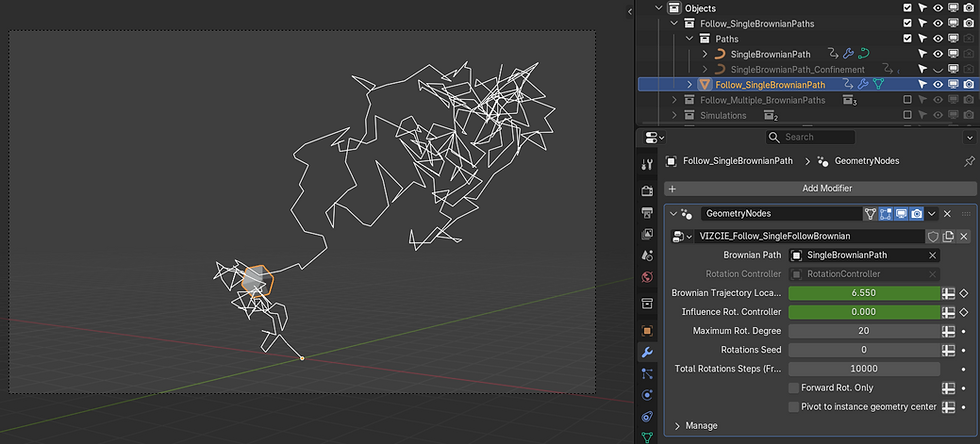
Follow Single Brownian Path.png

Confinement Brownian Simulation.jpg
Blender Brownian Motion Presets_Text.png
1/5
0
Yen
-
Geometry nodes presets to generate Brownian motion in multiple ways:
Follow single Brownian Path:
- Generate a single Brownian path in confinement or not.
- Make the particle follow the path while rotating.
Follow Multiple Brownian Paths:
Generate and Follow Multiple Random Paths
https://www.youtube.com/watch?v=2_o7B5KQnM8
- Multiple Brownian Paths Confinement.
- Follow Multiple Brownian Paths Confinement.
Simulations: Simulate multiple particles in confinement.
Note that collisions occur only to the collision object. There are no collisions between particles. However particles can be pushed apart by the "Relax Position or Push Overlaps" check.

Comments
Share Your ThoughtsBe the first to write a comment.
bottom of page